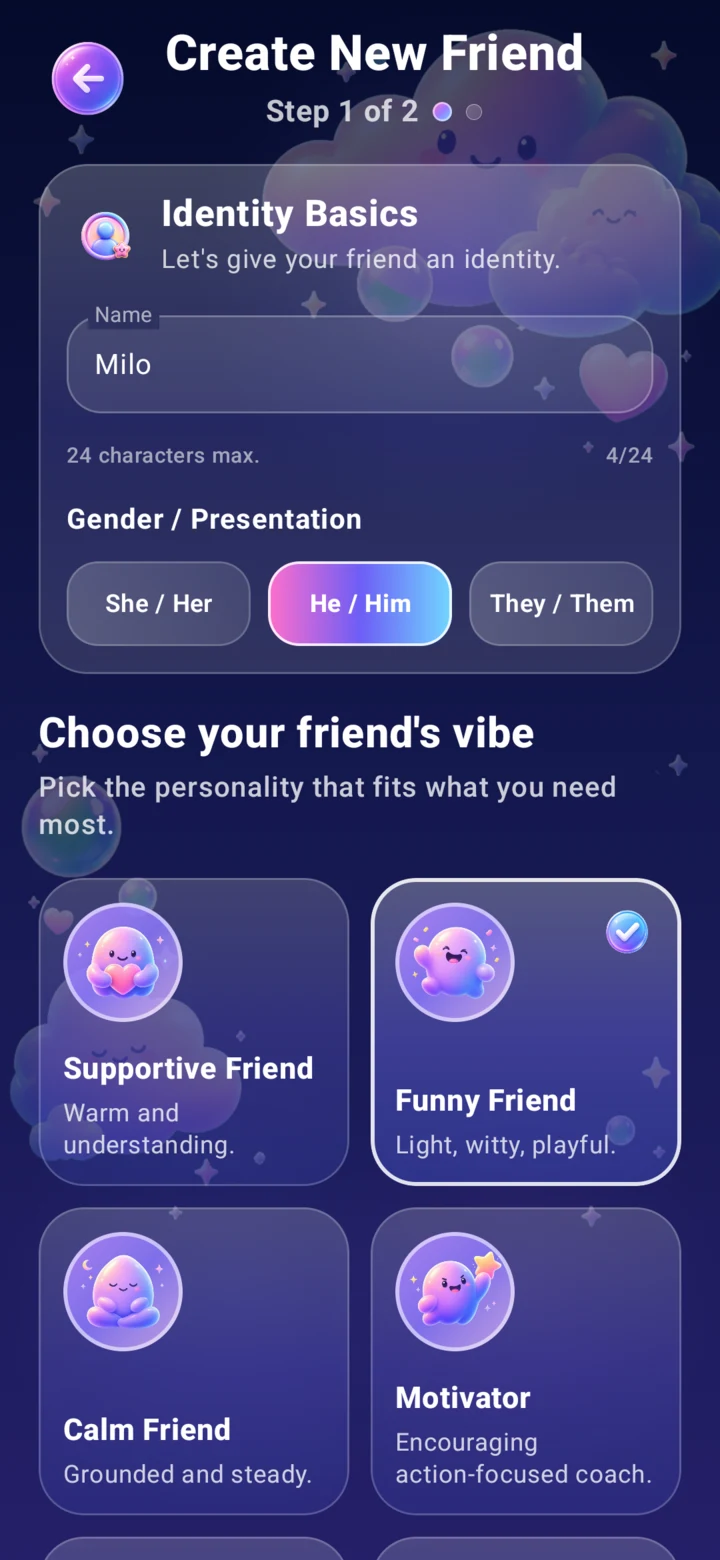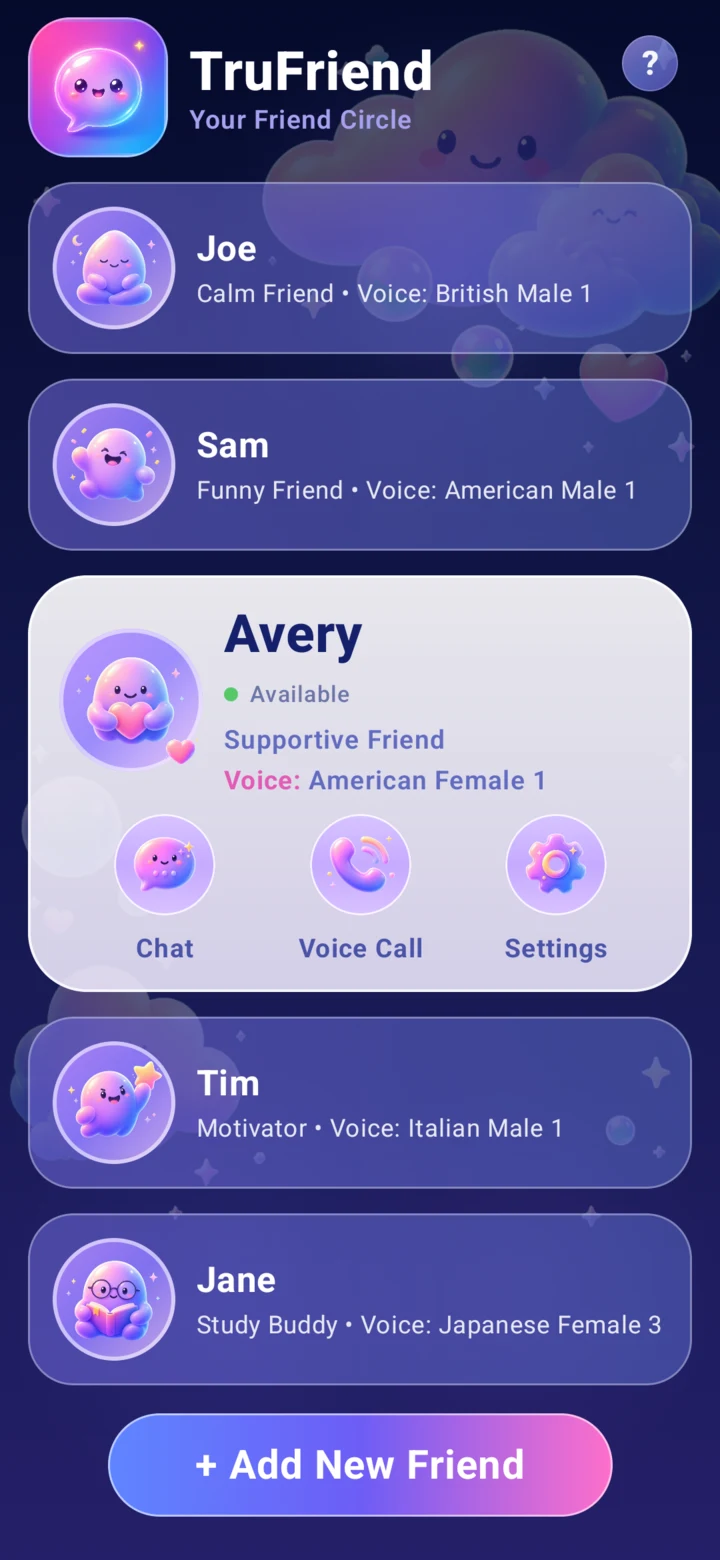
Choose a friend
Pick a friend type, name them, and choose how they present.
LOCAL-FIRST AI COMPANION FOR ANDROID
Build a small circle of AI friends you can text, talk to, and customize. Your everyday chats and saved memories stay on your phone.
MAKE IT YOURS
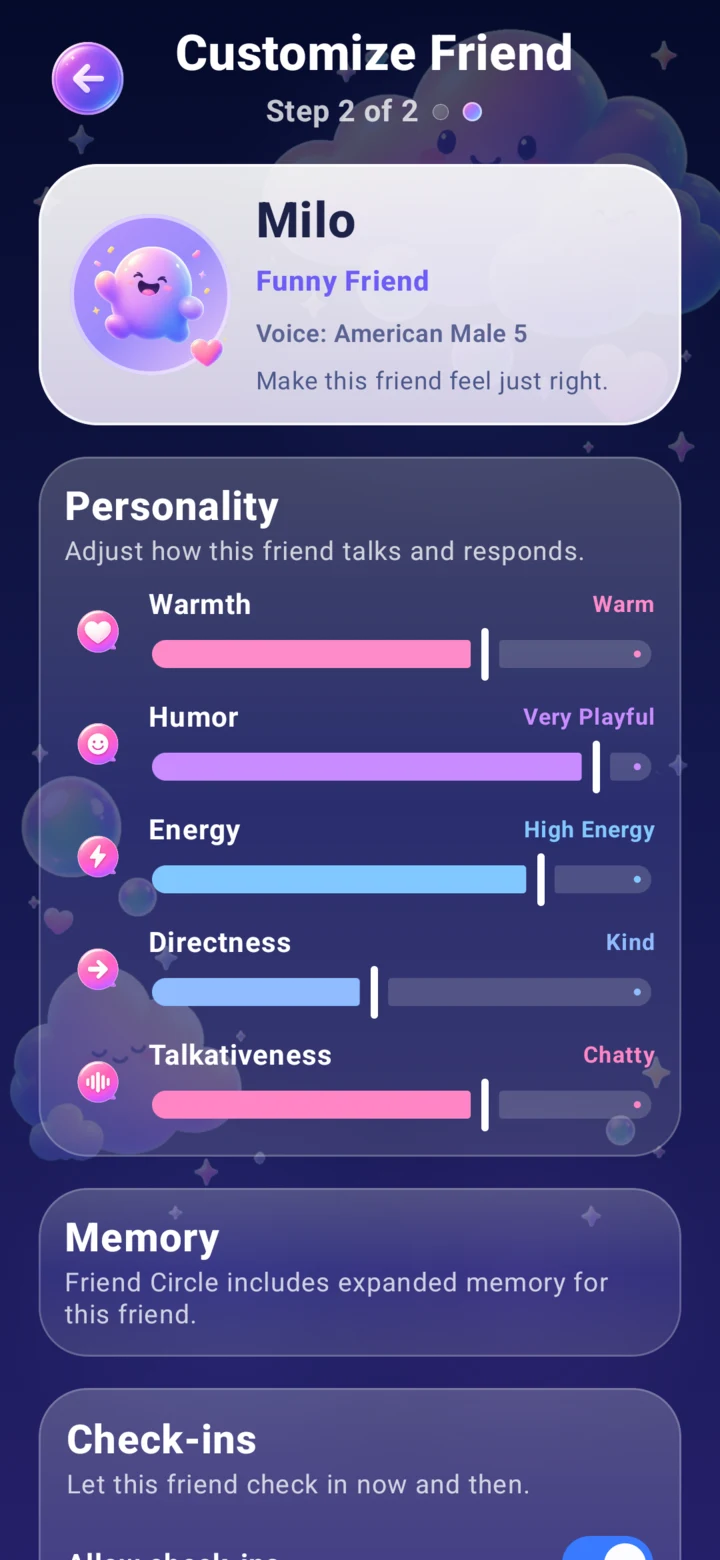
Start with a relationship style, choose a voice, then tune the little things that make each friend feel different.
Pick a friend type, name them, and choose how they present.
Adjust their warmth, humor, energy, directness, talkativeness, voice, memory, and check-ins.
Create separate friends for different moods, conversations, and routines.
EVERYDAY CONNECTION
PRIVATE CONVERSATIONS
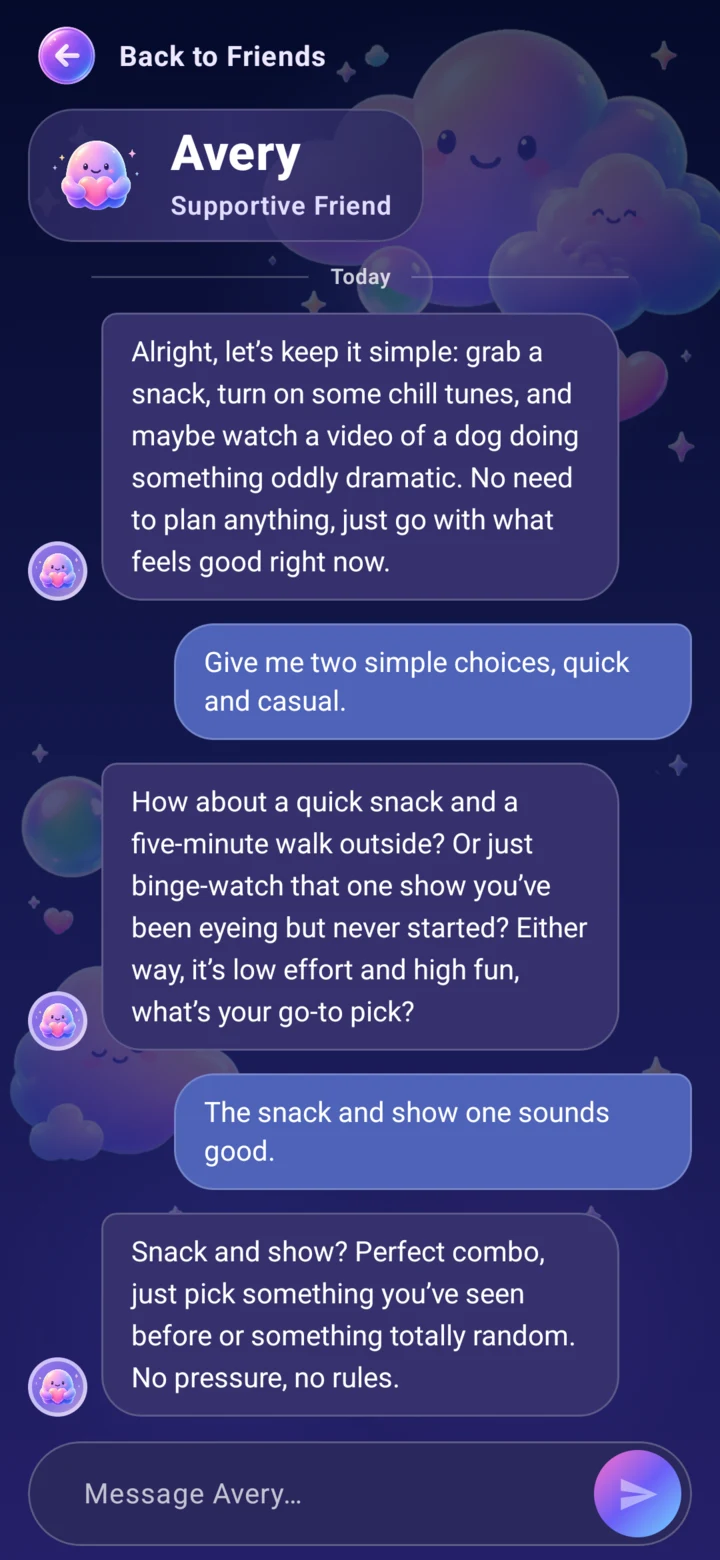
Text when you want to vent, plan, laugh, or think out loud. Everyday conversations happen on your device, and your chat history stays with you.
Internet is used for setup, Google Play Billing, and optional live-information requests when you choose to use them.
MEMORY WITH CONTROL
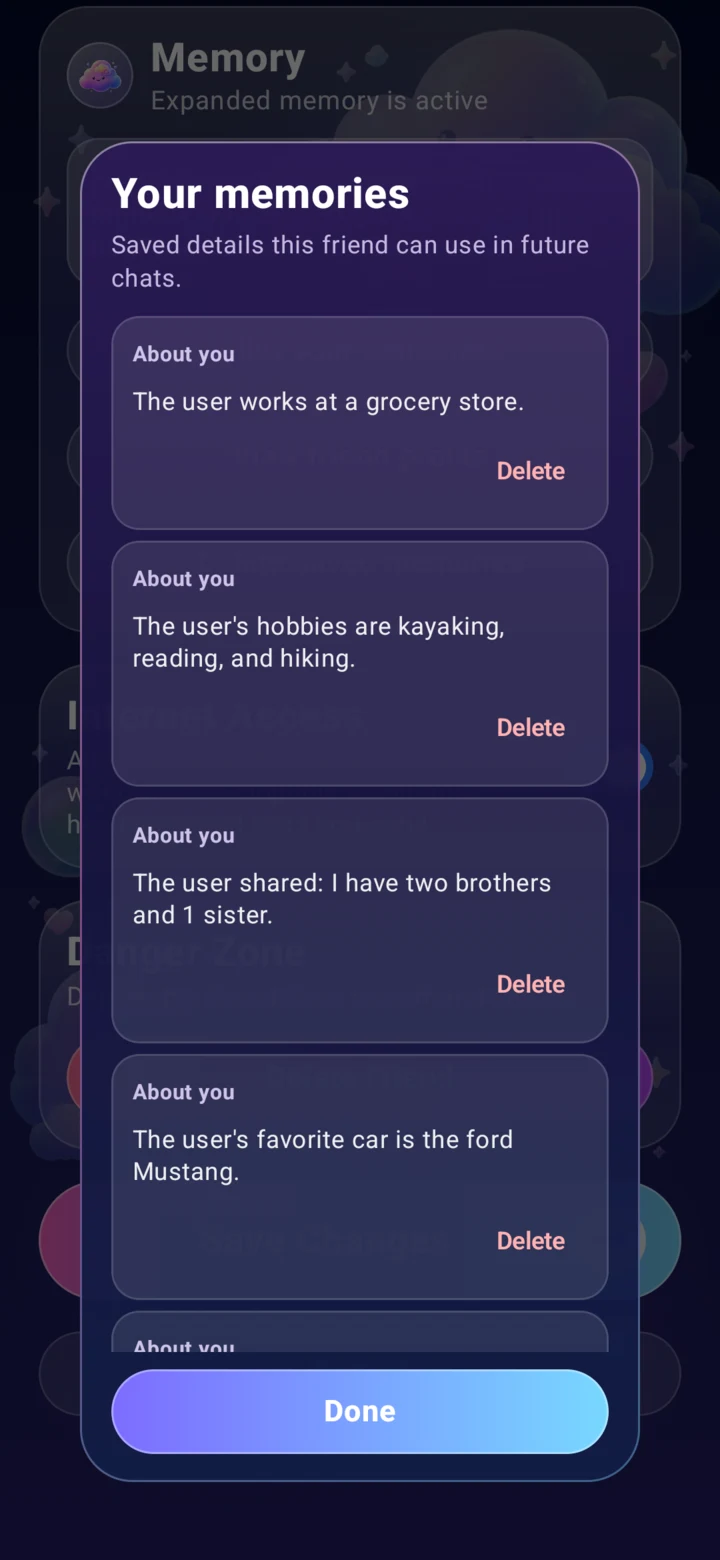
TruFriend can save helpful details so conversations feel more natural over time. You can review memories, delete individual items, clear saved memories, or remove all local app data.
LOCAL VOICE
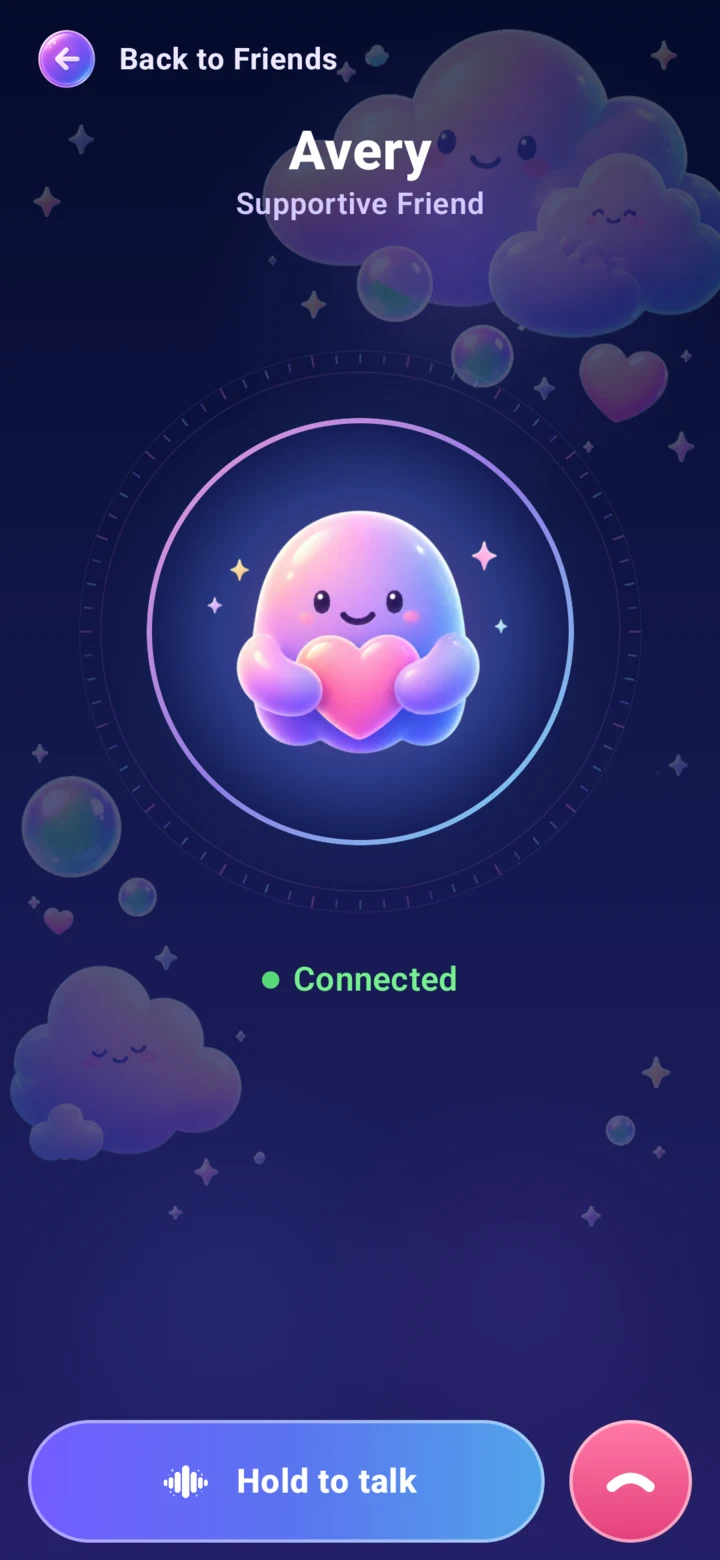
Hold to talk, hear your friend answer, and choose a voice that fits who they are.
ON YOUR TERMS
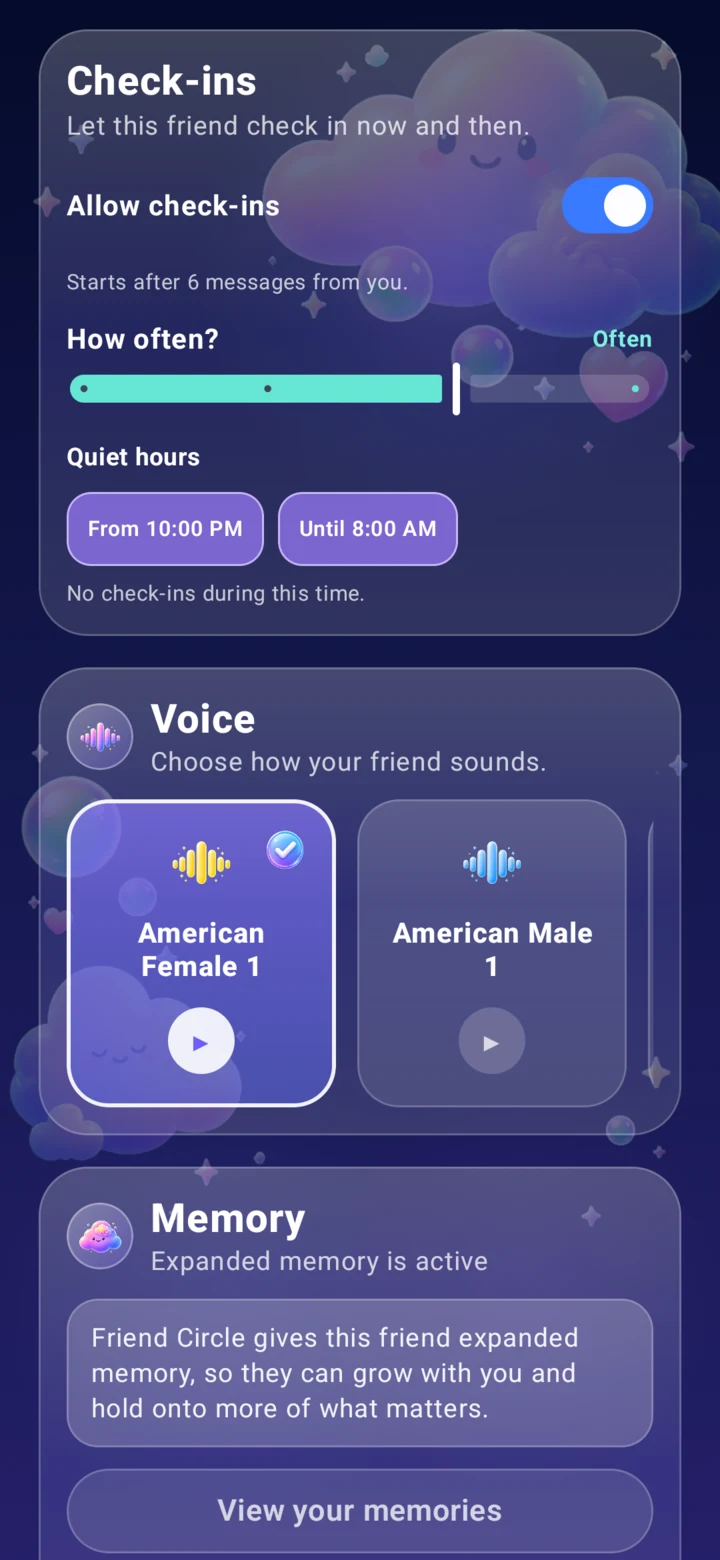
After you have chatted for a while, a friend can occasionally check in. You control whether check-ins are on, how often they happen, and when quiet hours apply.
REAL MOMENTS
Small details can make a friend feel more personal without taking control away from you.
A friend can use saved memories to pick up on things you have shared before, like routines, preferences, or something you were working through.
Start a voice chat when you want the conversation to feel more natural, hands-free, or easier than typing.
Let a friend check in occasionally, with quiet hours and frequency controls so it feels helpful instead of intrusive.
LOCAL-FIRST BY DESIGN
Your everyday chats, friends, and saved memories live on your phone. TruFriend is built so the personal parts of your friend circle stay close to you.
Internet is used for setup, Google Play Billing, optional live-information requests, and an AI response report only when you choose to submit one.
Most of the personal friend-circle experience stays on your device. TruFriend uses internet access only where it is needed for setup, billing, updates, optional live information, or an AI response report you explicitly submit.
If you tap Submit in Report AI response, the selected full AI reply, when that reply was created, your selected reason, any optional details, a randomly generated report identifier, the report timestamp, and the app version are sent to TruFriend's server. No other chat messages are sent with that report.
Everyday chat, voice, speech recognition, and memory features run on your device. Local app data is stored in an encrypted database.
Your friend data and everyday chat history are local to your phone in this version. No TruFriend account is required.
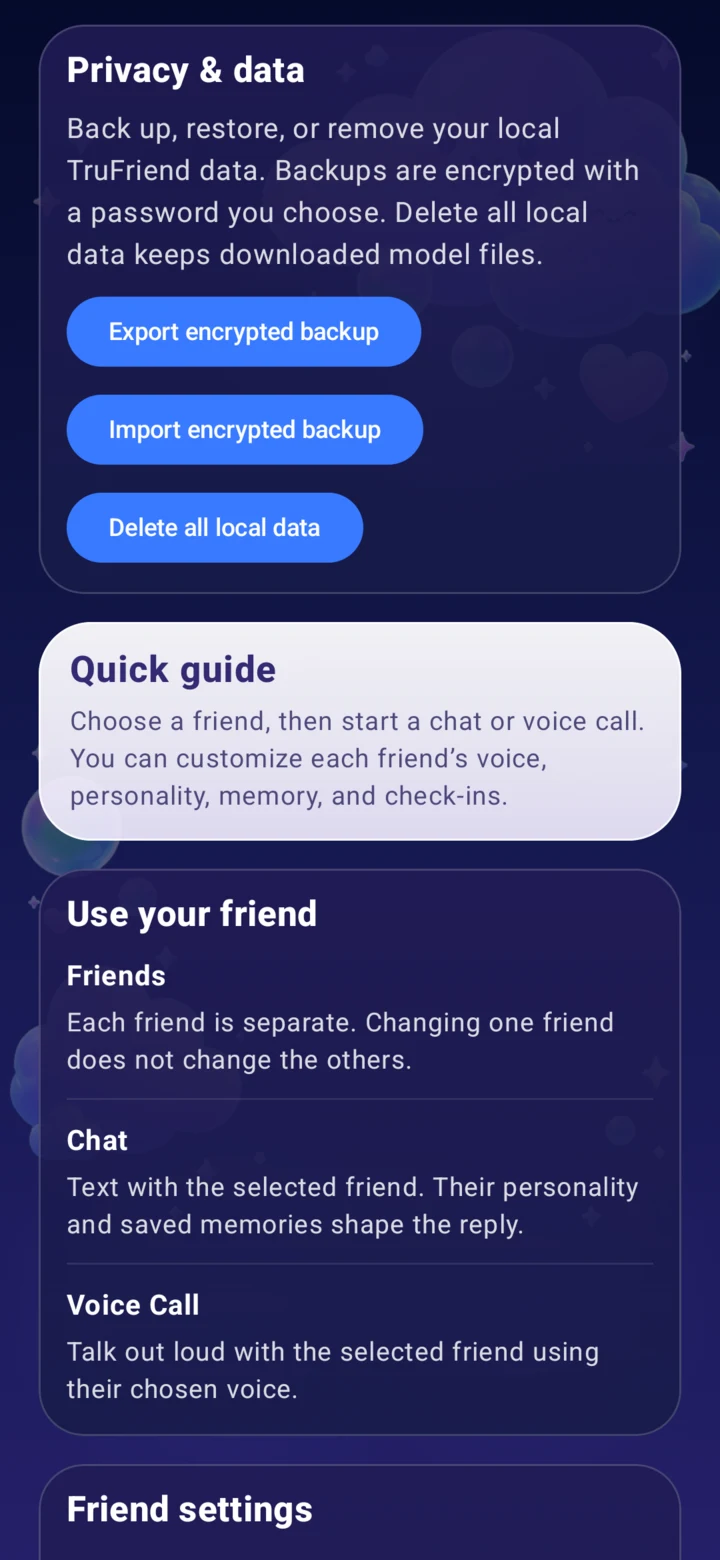
Review memories, export a password-encrypted backup, or delete all local app data from inside TruFriend.
FRIEND CIRCLE
Start free with one local-first friend. Friend Circle lets you build a small circle for different parts of your life, like daily support, venting, motivation, creative ideas, or voice chats.
Friend Circle is optional and handled through Google Play.
One local-first friend with the essentials.
$4.99/month or $39.99/year in the U.S.
Build a larger circle with more voices, deeper memory, and more ways to shape each friend.
Regional pricing, taxes, and billing are handled by Google Play.
Purchases and subscription management are handled through Google Play.
Yes, for setup and selected features. Everyday chat, voice, speech-to-text, and memory run on your device. TruFriend still connects for initial AI-file downloads, Google Play Billing, and current information when you choose to use it.
On your device. Friends, messages, settings, and memories are stored locally in an encrypted database.
TruFriend requires Android 7.0 or newer on a compatible 64-bit ARM device. It also needs enough free storage for its local AI files. Google Play will confirm compatibility for your device.
The initial local AI setup requires several gigabytes of free storage and is best downloaded over Wi-Fi. The exact amount may change as local chat, voice, speech, and memory assets are updated.
Friend Circle is managed through Google Play. You can review, change, or cancel your subscription from your Google Play subscriptions page. Canceling stops future renewals, and access normally continues through the period you have already paid for. Manage subscriptions in Google Play.
Yes. You can review memories for each friend, delete individual memories, clear saved memories, or delete all local TruFriend data from inside the app.
Friend Circle is an optional Google Play subscription with multiple friends, full personality controls, the full voice catalog, expanded memory, optional current-information access, more check-in frequency choices, and password-encrypted backup export.
No. Encrypted backups use a password you choose. TruFriend cannot recover the backup password if you lose it.
No. TruFriend is AI software, not a human friend, therapist, doctor, lawyer, financial advisor, emergency service, or other professional service. AI responses can be inaccurate or incomplete.
Email contact@trufriend.app.

Create a friend with a voice, personality, memory, and style you chose.